Deploying
From the dashboard
Section titled “From the dashboard”New preview takes a folder, files or a .zip, a runtime’s example to start from, and
throwaway databases to run beside it.
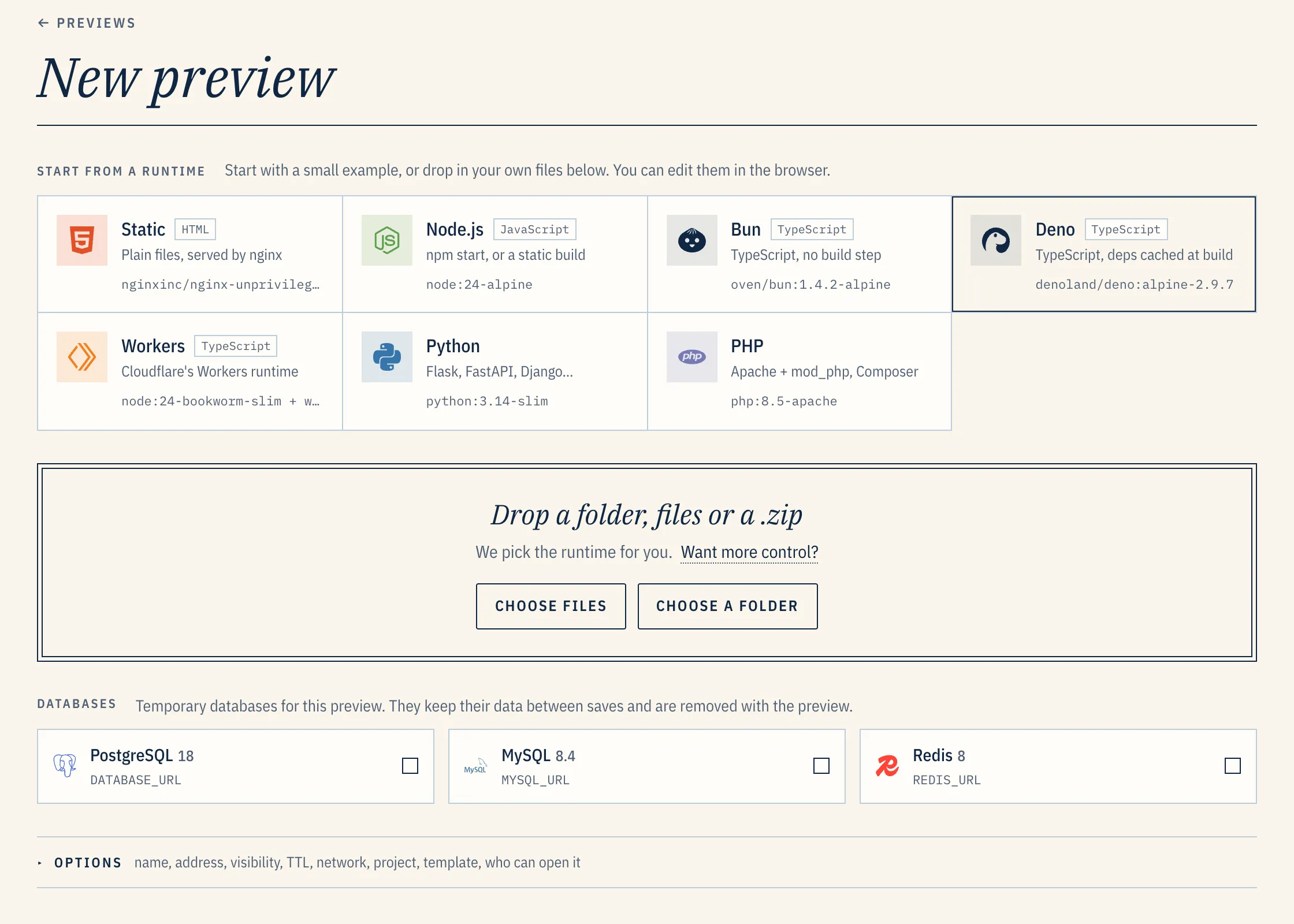
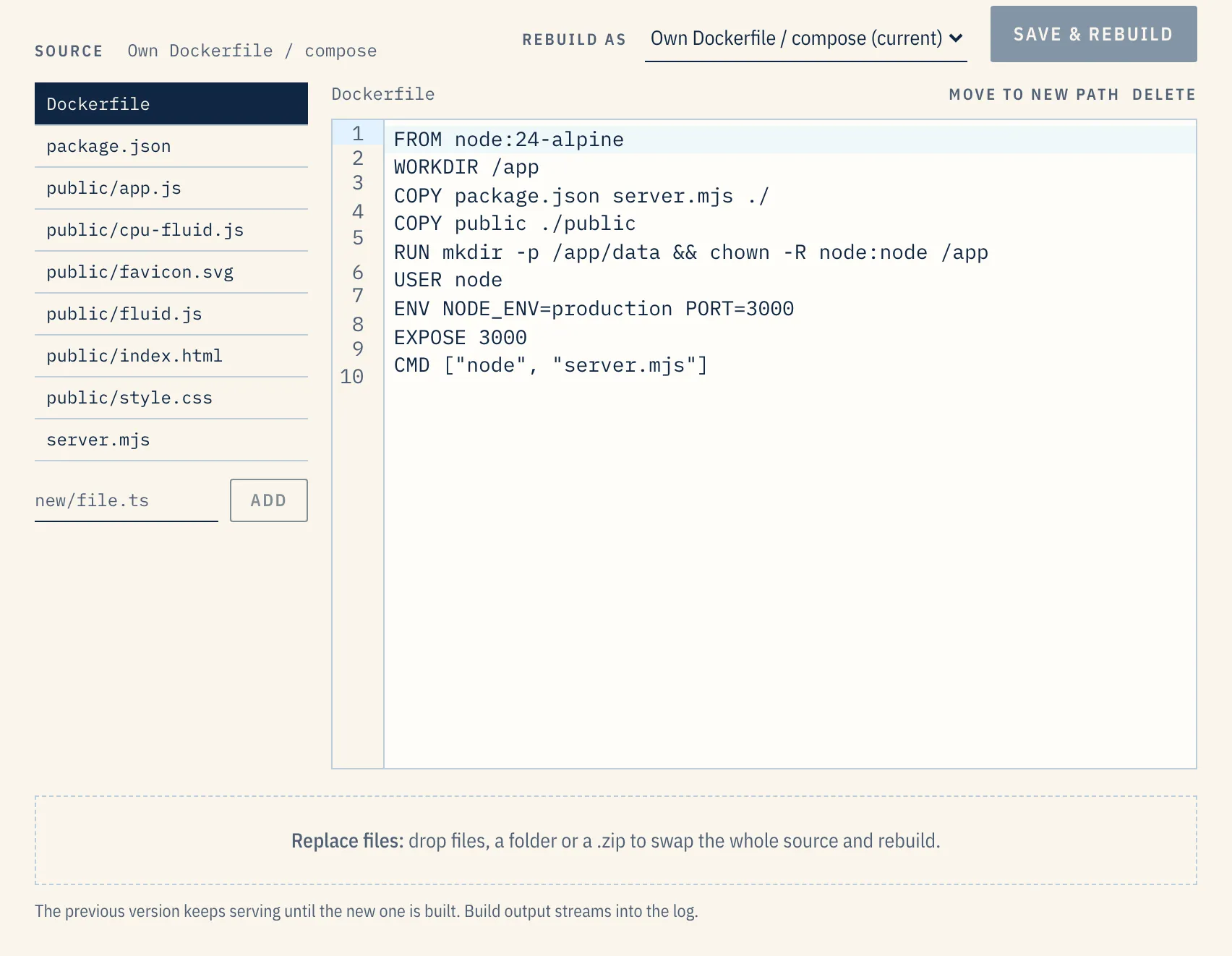
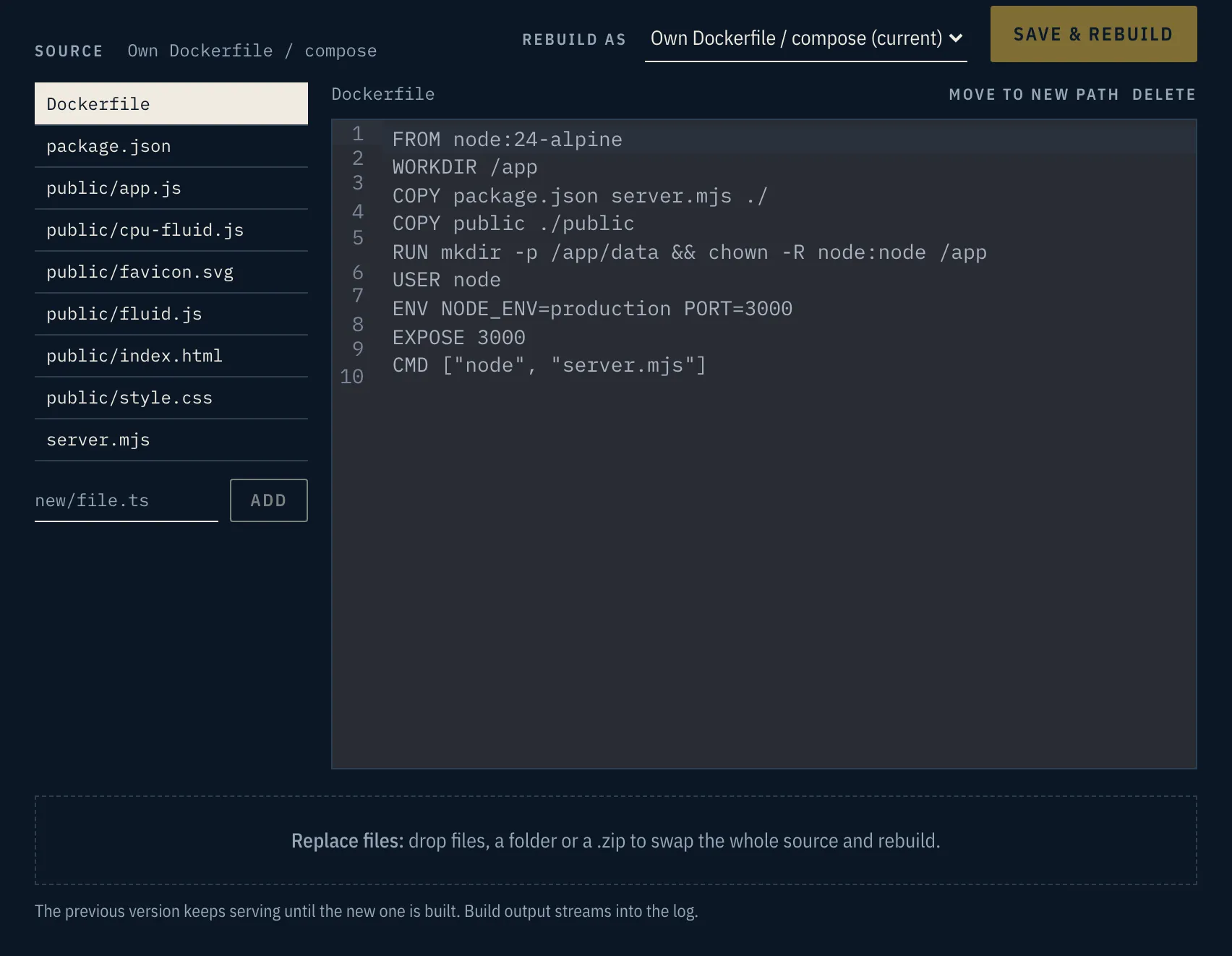
Once it is up, the preview’s page keeps its files. Edit one, add one or drop in a new set, then Save & rebuild updates the preview at the same URL. The old version serves until the new one is built.
From a terminal
Section titled “From a terminal”Make a token under Account → API tokens. deploy is the scope CI needs:
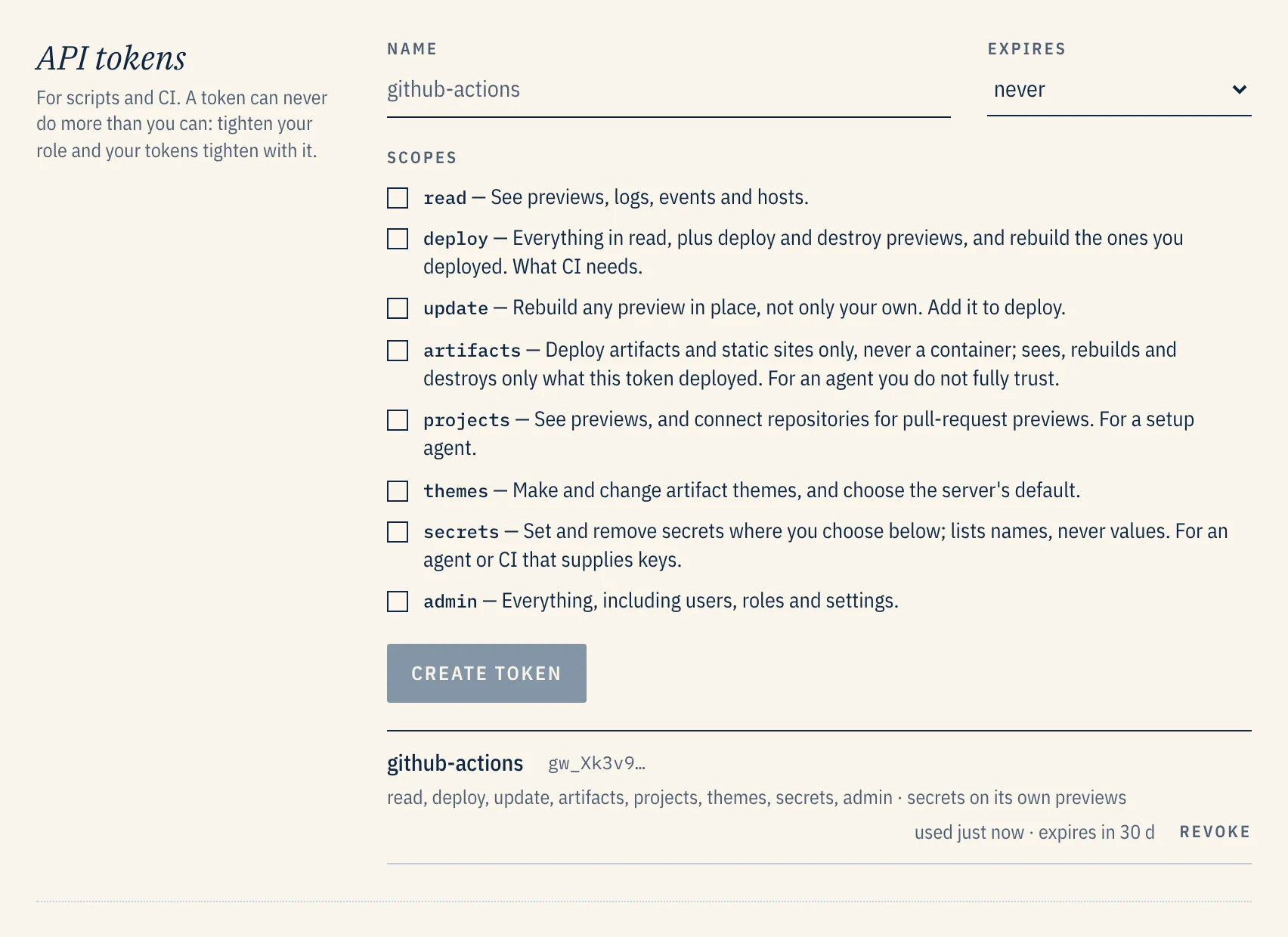
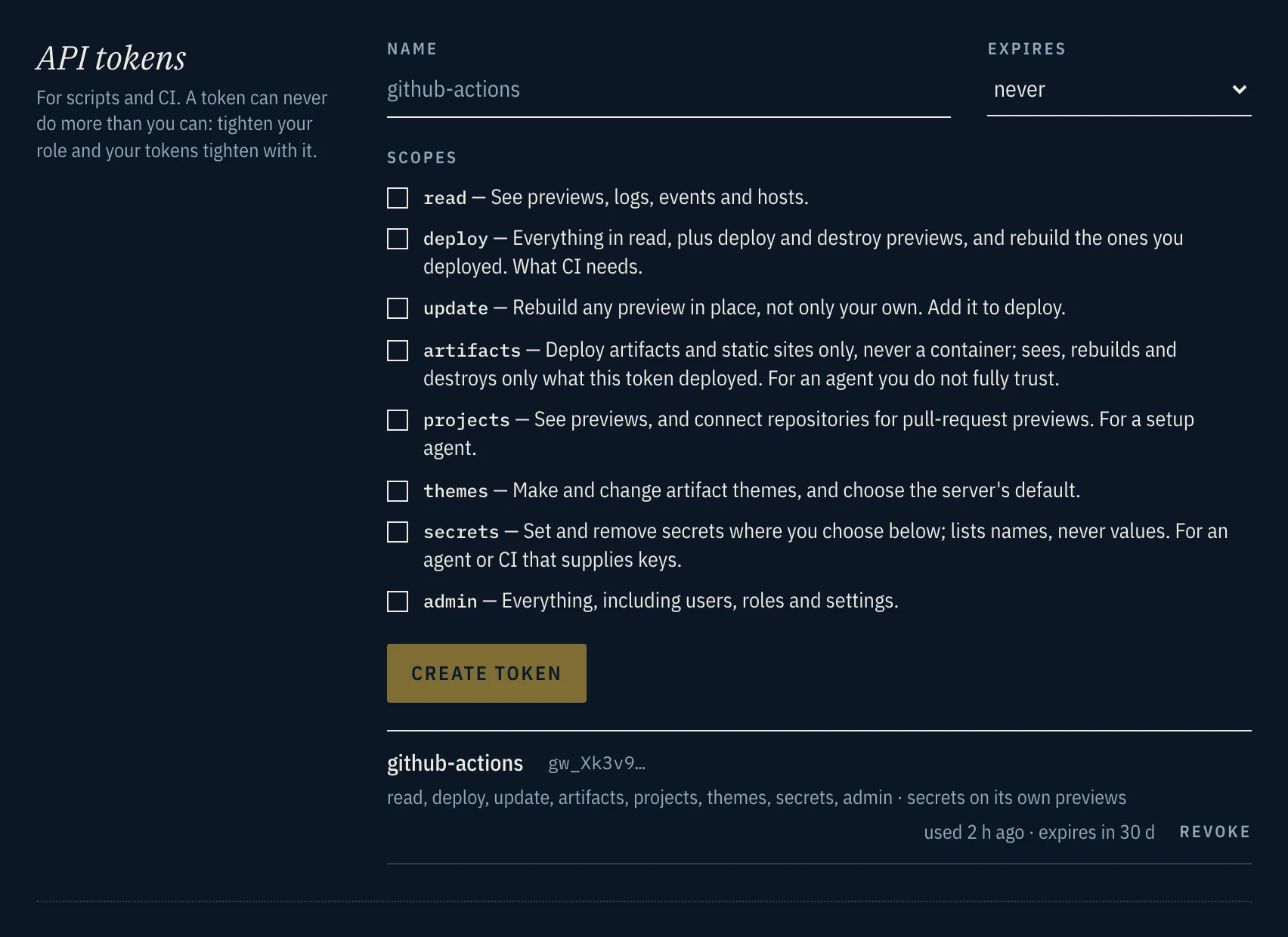
Send a tarball to the REST API with it:
tar -czf - . | curl --fail -X POST \ -H "Authorization: Bearer $GANGWAY_TOKEN" -H "Content-Type: application/gzip" \ --data-binary @- "https://api.preview.example.com/v1/previews?name=hello&runtime=auto&wait=true"With wait=true the answer comes once the preview serves, and includes its URL and id. Each
POST makes a new preview. To update one in place, at the same URL, send the new tarball to its
source:
tar -czf - . | curl --fail -X PUT \ -H "Authorization: Bearer $GANGWAY_TOKEN" -H "Content-Type: application/gzip" \ --data-binary @- "https://api.preview.example.com/v1/previews/$ID/source"How gangway reads an app
Section titled “How gangway reads an app”With runtime=auto, gangway looks at the files at the root, in this order, and the first match
decides:
| Files | Runs as |
|---|---|
compose.yaml (or .yml, docker-compose.*), or a Dockerfile |
your own stack |
composer.json |
PHP |
wrangler.toml (or .json, .jsonc) |
workerd |
deno.json (or .jsonc) |
Deno |
bun.lock, bun.lockb or bunfig.toml |
Bun |
package.json |
Node |
requirements.txt, main.py or app.py |
Python |
index.php |
PHP |
index.ts, main.ts, worker.ts or src/index.ts |
Bun |
| anything else | a static site, served by gangway itself |
An artifact.md with no index.html renders as a document, deck, dashboard or prototype.
A server listens on $PORT. If gangway cannot tell how to run something, it refuses the deploy
and says which file would settle it. New preview shows this plan as soon as files are dropped,
before anything is built:
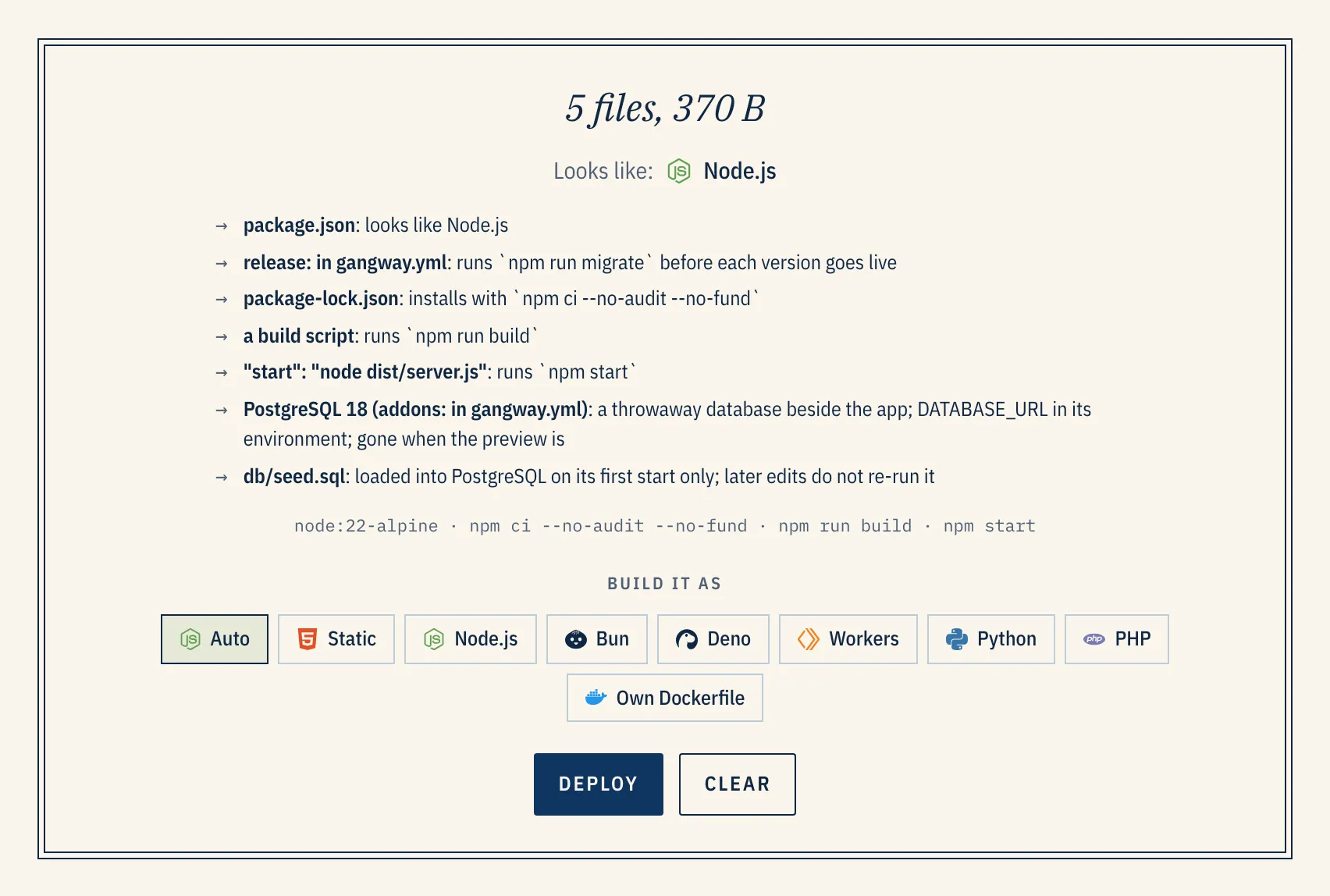
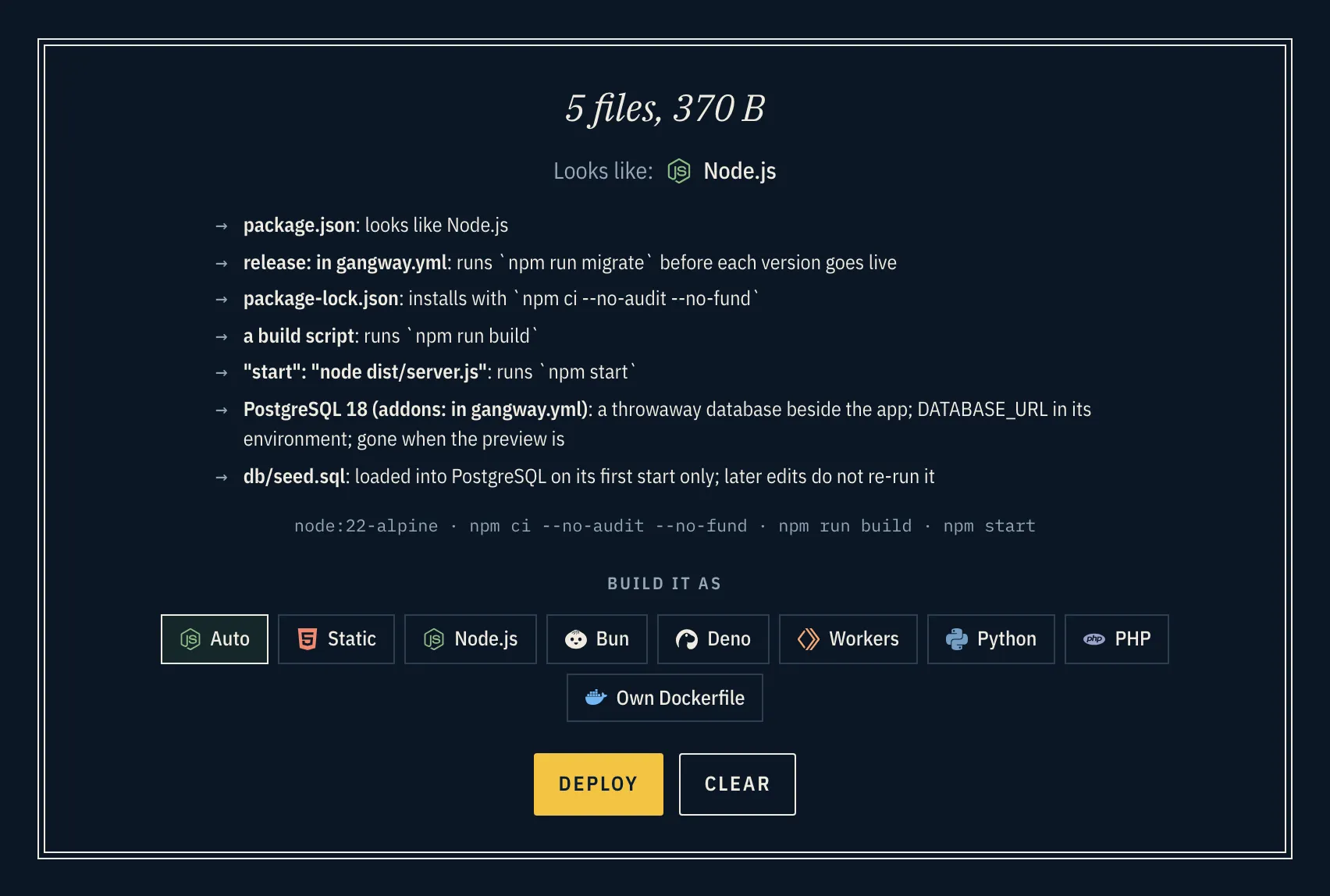
gangway.yml
Section titled “gangway.yml”A gangway.yml at the root says what detection cannot:
runtime: node # static, node, bun, deno, workerd, python or phpversion: 22root: app # a subfolder to run frominstall: npm ci # or falsebuild: npm run build # or falsestart: node server.jsrelease: npm run migrate # before each version goes liveport: 3000healthcheck: /healthzenv: FEATURE_FLAG: "on"addons: [postgres, redis] # or mysqlttl: 7d # how long the preview livesidle: 30m # or nevervisibility: unlisted # public, unlisted or privateEvery key, its default and the Compose equivalent, x-gangway:, are in the
gangway.yml reference.
Databases
Section titled “Databases”Add-ons run beside the app for as long as the preview lives:
| Add-on | The app gets |
|---|---|
postgres |
DATABASE_URL, POSTGRES_URL and the PG* variables |
mysql |
MYSQL_URL (8.4; about 20s to start the first time) |
redis |
REDIS_URL (append-only, so it survives a sleep) |
seed.sql or db/seed.sql loads into Postgres or MySQL on its first start. The preview page has a
data browser.
Expiry, sleep and visibility
Section titled “Expiry, sleep and visibility”- Time to live. Every preview expires. Extend it from its page, or ask your agent to.
- Sleep. An idle preview sleeps and the first request wakes it.
- Visibility. Public, unlisted (an unguessable hostname), private (people signed in to gangway), and optionally a password.
A preview’s page shows its URLs, its state and visibility, and when it expires:
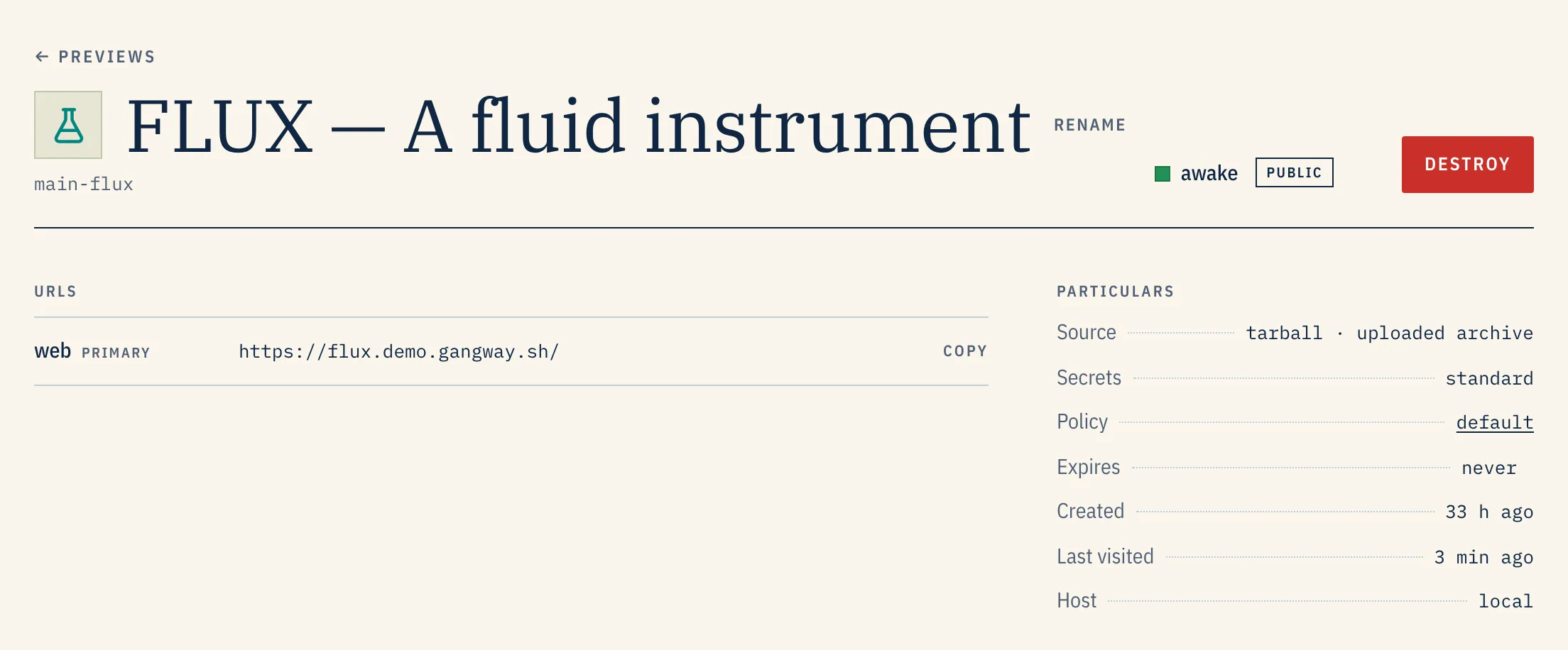
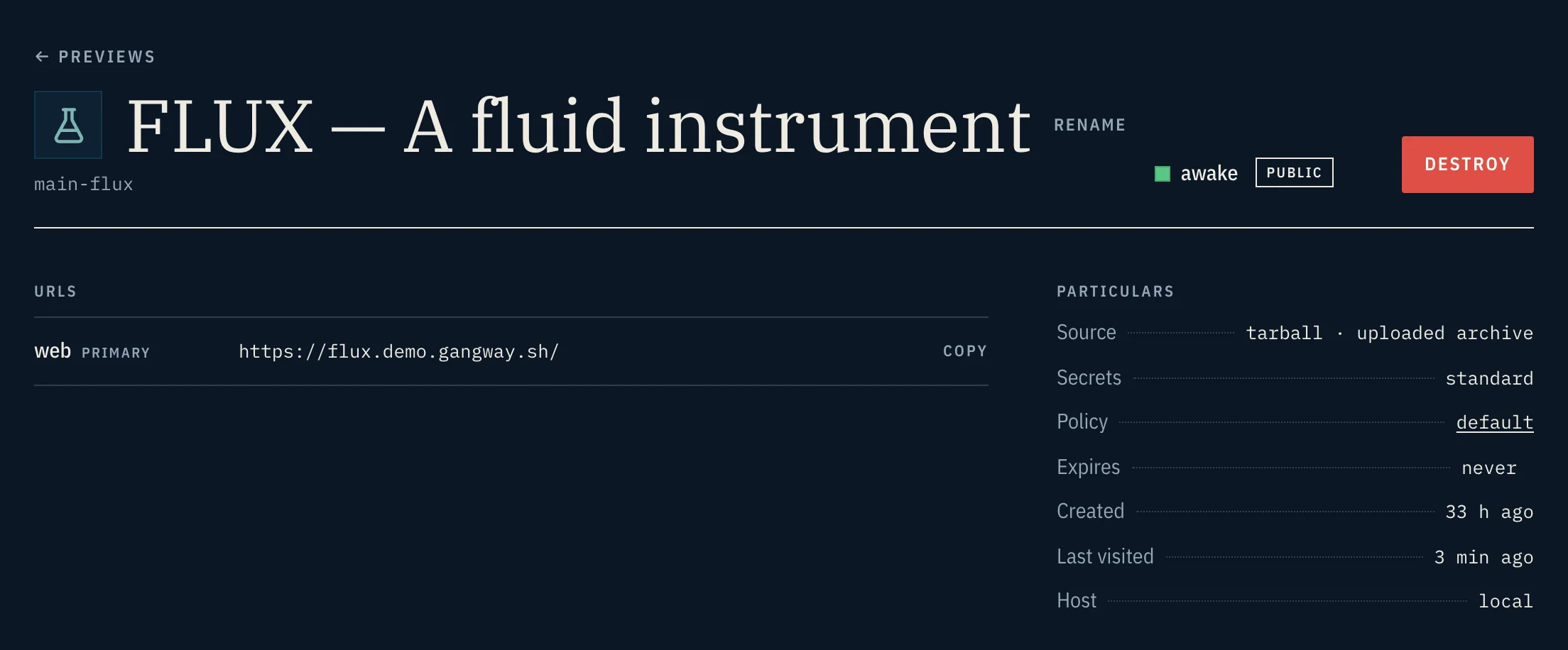
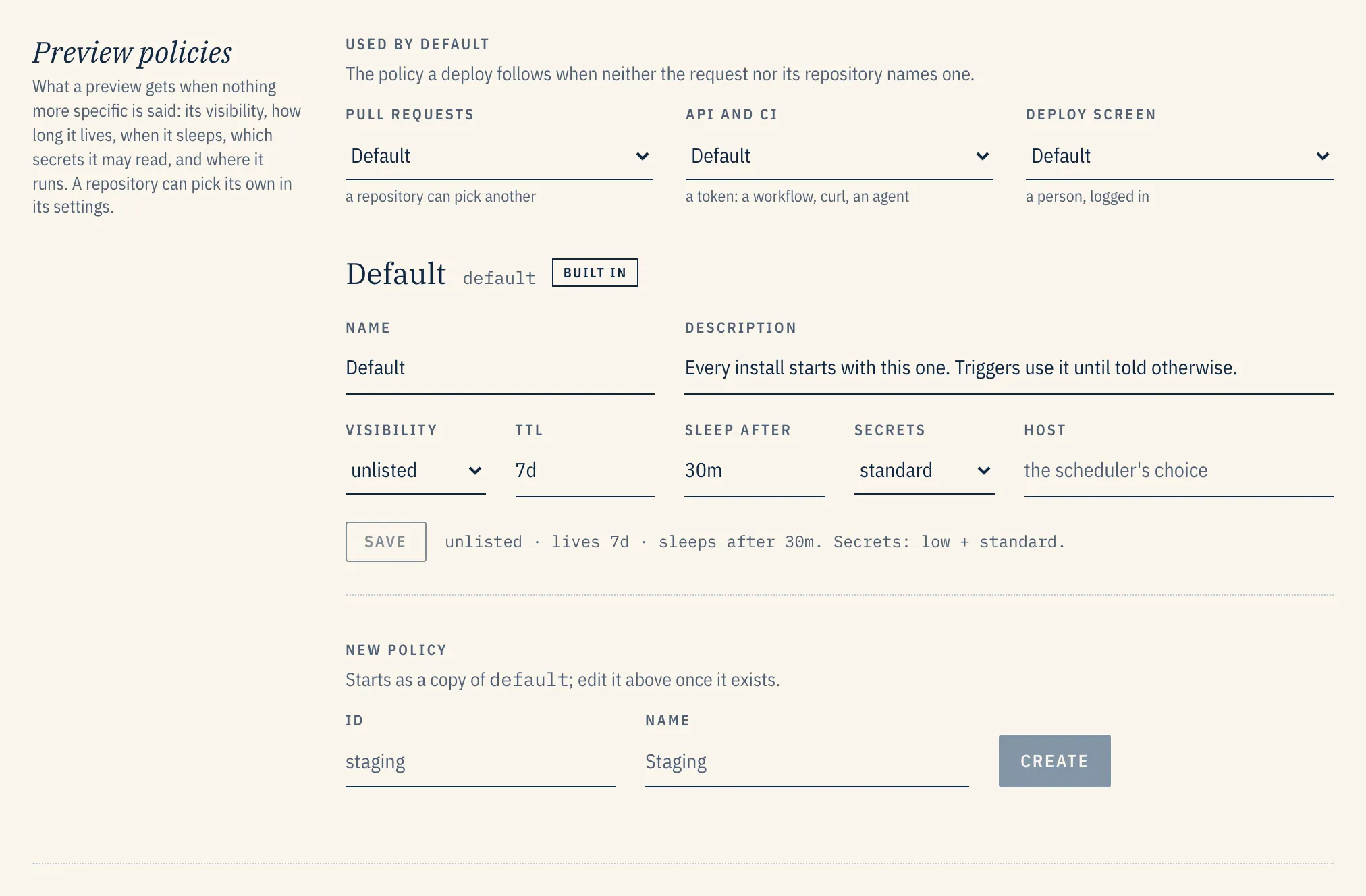
What a preview gets when nothing more specific is said comes from a preview policy in Admin → Previews. There is one policy each for pull requests, API and CI deploys, and the deploy screen, and a repository can pick its own: