Pull-request previews
-
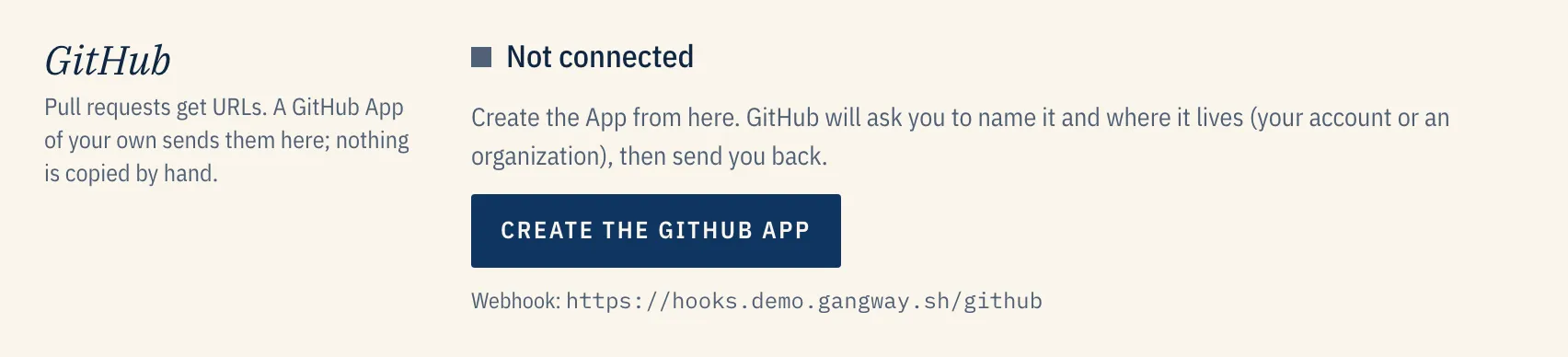
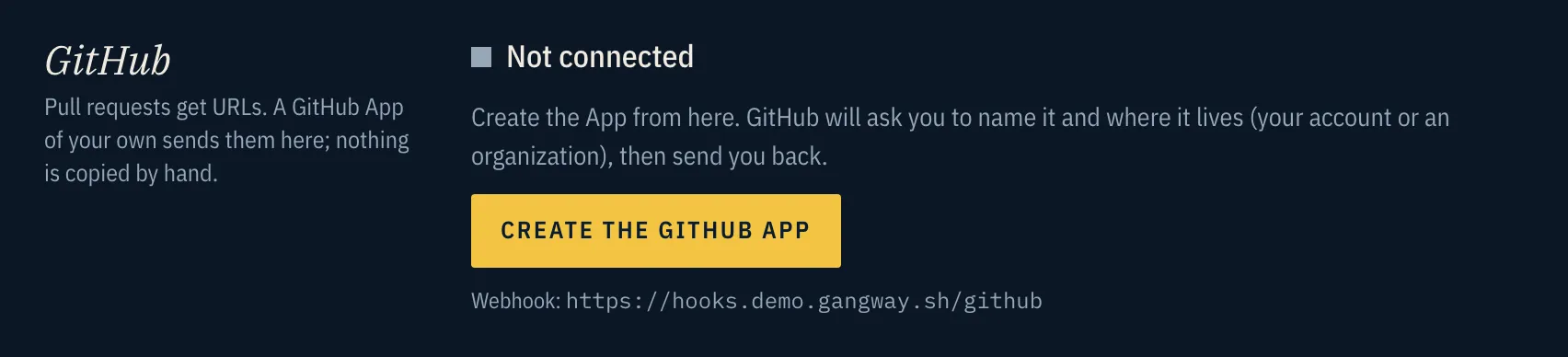
Create the GitHub App. Under Admin → GitHub, create one in a click through GitHub’s manifest flow, so no secret is copied by hand. Install it on your repositories.
-
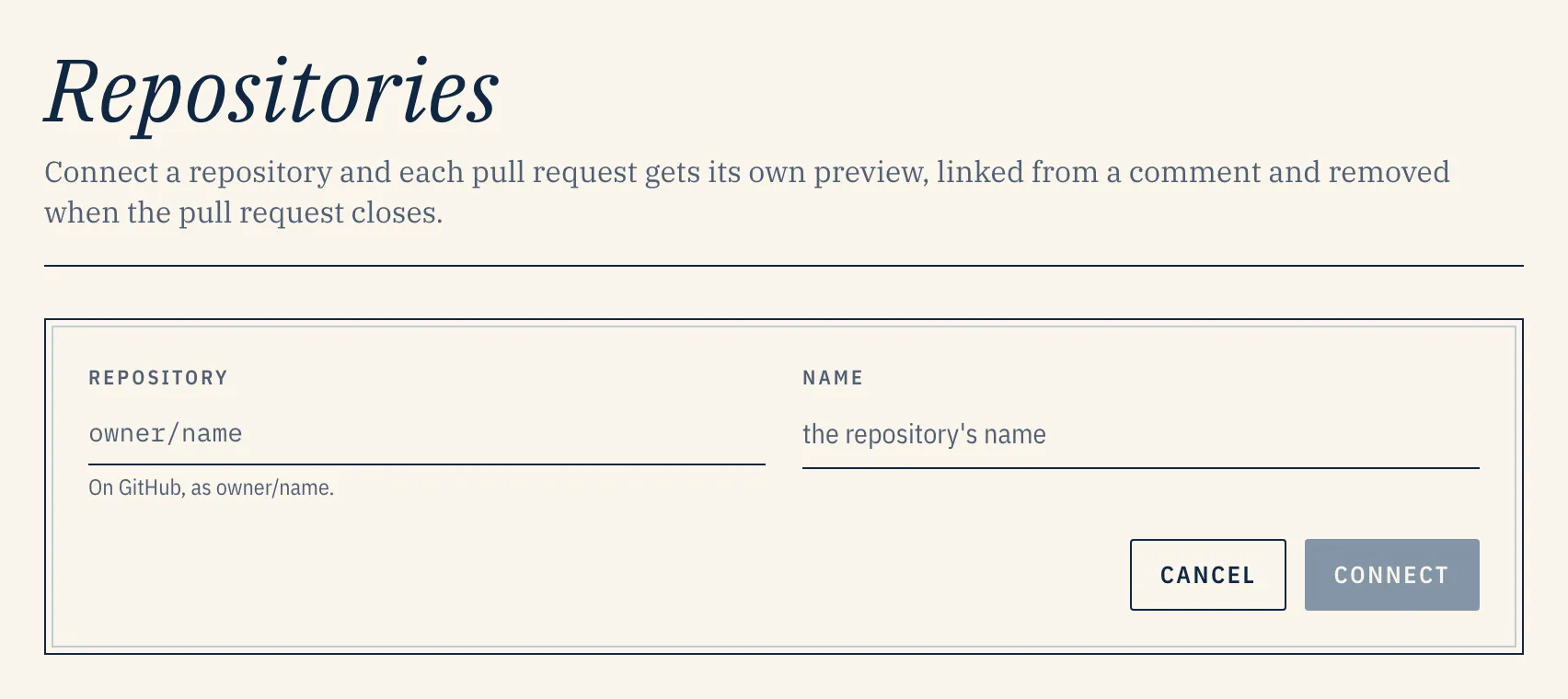
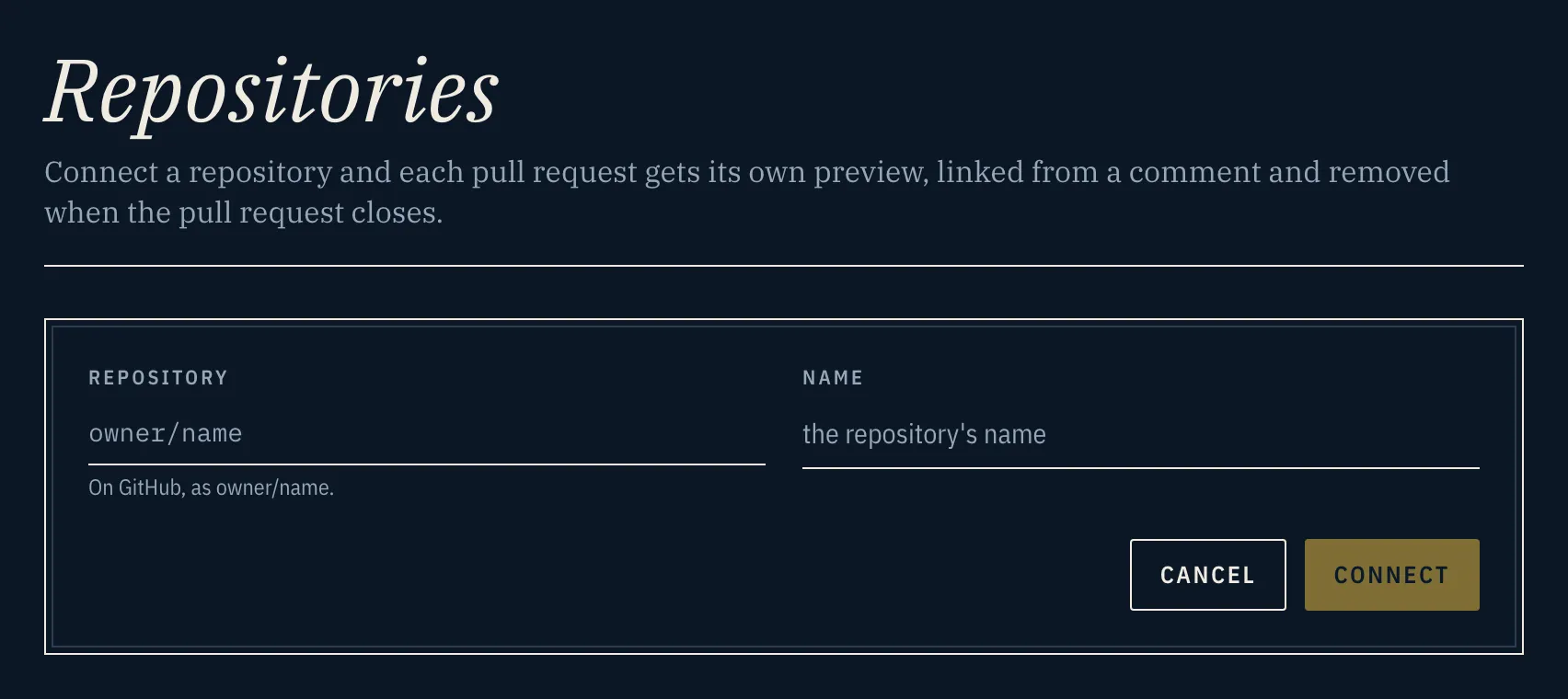
Connect a repository. Under Repositories, connect one. By default gangway gives you a workflow file to commit: it builds on GitHub Actions and hands gangway the image, authenticated by the run’s OIDC token. The alternative is to have gangway build from webhooks.
-
Open a pull request. The preview’s URL arrives in a sticky comment and a GitHub Deployment, and the preview is torn down when the pull request closes.
Pull requests from forks wait until a maintainer comments /preview deploy.
An agent can do step 2 for you: in Claude Code, /gangway:setup-pr-previews connects the
repository, adds a Dockerfile if there is none, and opens a pull request with the workflow, whose
own run is the first preview.
A repository can have its own domains for its previews, and a hostname for its production preview. See Domains.